
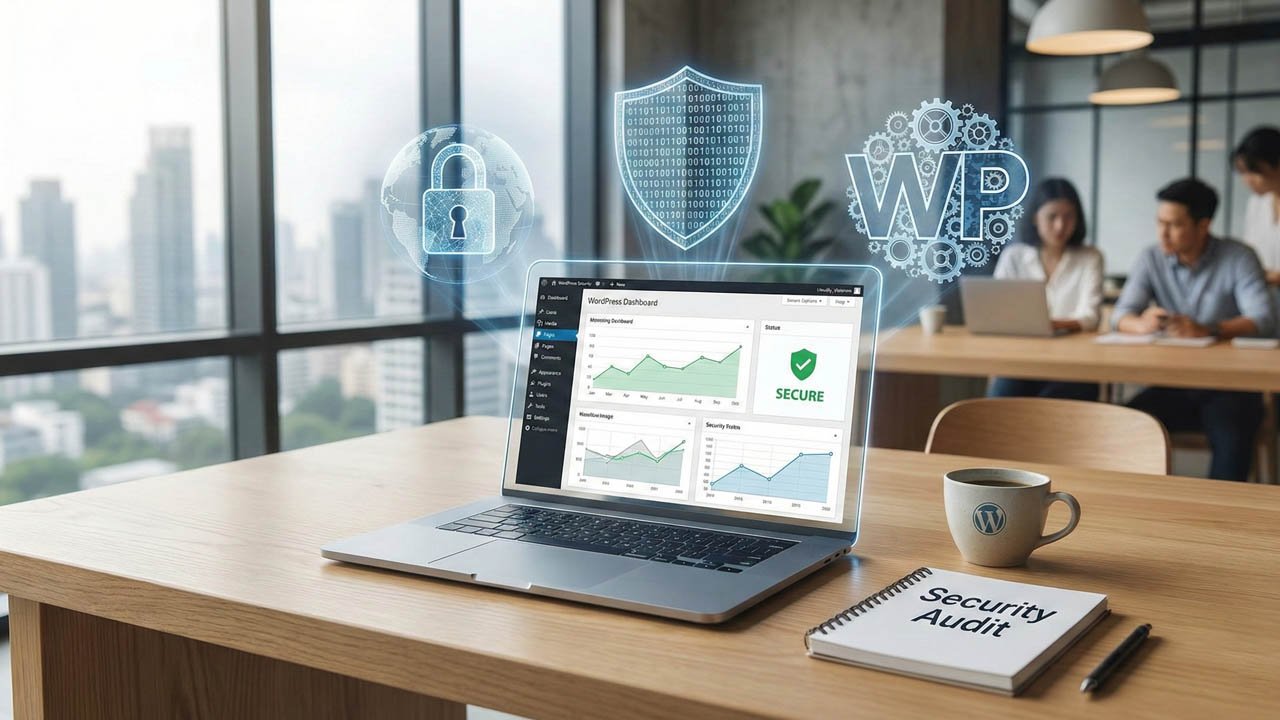
In 2026, the digital landscape is more complex than ever. With AI-driven brute force attacks and sophisticated zero-day exploits becoming the norm, treating WordPress security as an “install and forget” task is a recipe for disaster. Whether you are a business owner or a developer building the next big plugin, your security strategy must be proactive, layered, and relentless.
This guide moves beyond the basics, offering a tiered approach to securing your WordPress ecosystem.
Table of Contents: Guide to WordPress Security in 2026
Part 1: The Foundation (Beginner-Level Security)
Every great fortress begins with a solid foundation. If these three pillars are weak, no amount of advanced coding will save your site.
The Death of “Admin”: Changing Usernames
It is 2026, and yet, “admin” remains the most common username for WordPress sites. Hackers use automated scripts to ping your site; if they know your username is “admin,” they are already 50% of the way to a breach.
- Action: If you still use “admin,” create a new user with Administrator privileges and a unique name (avoid using your domain name or “webmaster”). Log out, log back in as the new user, and delete the old “admin” account, attributing all content to your new profile.
Multi-Factor Authentication (MFA): The Unbreakable Lock
Password theft is at an all-time high. Even 20-character passwords can be cracked or “phished.” MFA is your primary defense.
- Passkeys & Biometrics: By 2026, SMS-based 2FA is considered outdated due to SIM-swapping risks. Instead, use Passkeys (WebAuthn) or TOTP apps like Google Authenticator or Authy.
- Implementation: Plugins like SecureCore Pro (our recommended internal tool) allow you to enforce MFA for all users with “Editor” roles or higher, ensuring that even if a staff member’s password is leaked, the site remains safe.
The “Update or Die” Philosophy
Outdated software is the #1 entry point for hackers.
- Core, Plugins, and Themes: Enable auto-updates for minor WordPress releases. For major updates or complex plugins, use a Staging Environment to test compatibility before pushing to production.
- Pro Tip: Delete any plugins or themes you aren’t actively using. Inactive code is still executable code and provides a “sleeping” attack surface.
Part 2: Hardening the Perimeter (Intermediate Security)
Once the basics are set, we look at the communication between your server and the outside world.
Deploying a Web Application Firewall (WAF)
A WAF acts as a filter between your site and the internet, inspecting incoming traffic and blocking malicious requests (SQL injections, Cross-Site Scripting) before they reach your server.
- Cloud-based (DNS Level): Services like Cloudflare or Sucuri are excellent for stopping traffic before it even touches your hosting.
- Endpoint-based: Plugins like Wordfence provide an on-site firewall that understands the specific nuances of WordPress vulnerabilities.
Advanced .htaccess Hardening
Your .htaccess file (for Apache servers) or nginx.conf is the gatekeeper of your files. You can use it to block access to sensitive areas.
Note: Always back up this file before editing. One typo can take your site offline.
- Disable Directory Browsing: Prevent hackers from seeing your file structure by adding
Options -Indexes. - Protect wp-config.php: This file contains your database credentials. Block access with:
<files wp-config.php>
order allow,deny
deny from all
</files>
Real-time Malware Scanning
Modern malware is “polymorphic,” meaning it changes its code to avoid detection. You need a scanner that doesn’t just look for file signatures but monitors integrity. If a core WordPress file is modified, you should receive an alert instantly.
Part 3: Deep System Security (Advanced & Developer Level)
For developers and those on VPS or Dedicated hosting, security happens at the code and database level.
Custom PHP Security & Hardening
PHP is the engine of WordPress. If the engine is leaky, the car won’t run safely.
- Disable Dangerous Functions: In your website
php.ini, disable functions that are rarely used but highly dangerous, such asexec(),shell_exec(), andsystem(). - PHP Version: Ensure you are running the latest stable version (e.g., PHP 8.4+ in 2026). Older versions do not receive security patches.
Database Hardening (The “Crown Jewels”)
If a hacker gets your database, they have your users, your content, and your settings.
- Change Table Prefixes: The default
wp_prefix is a target. Change it to something random, likexr78_. - SQL Injection Prevention: Developers must always use
$wpdb->prepare()When making database queries, sanitize input and prevent malicious code injection.
Hosting-Specific Firewall Configurations
If you are managing your own server:
SSH Keys: Disable password login for your server’s SSH. Use SSH keys exclusively.
Fail2Ban: Configure Fail2Ban to monitor logs and ban IP addresses that show signs of malicious intent (like too many failed login attempts).
Part 4: Secure Plugin Development (For Developers)
As a developer, you have a “Duty of Care” to your users. A single vulnerability in your plugin can compromise millions of sites.
Data Validation and Sanitization
Rule: Never trust user input.
- Validation: Check if the data is what you expect (e.g., is an email really an email?).
- Sanitization: Clean the data before saving it. Use
sanitize_text_field(),absint(), oresc_url().
Use Nonces for Security
A “Nonce” (Number used once) protects your URLs and forms from Cross-Site Request Forgery (CSRF) attacks. If a user clicks a link that triggers a sensitive action (like deleting a post), the Nonce ensures that the request was intentional and generated by your site.
Principle of Least Privilege
If your plugin only needs to read data, don’t give it permission to write. Ensure your code only requests the specific capabilities it needs to function.
Part 5: The Recommended Security Stack
In 2026, we recommend a “Defense in Depth” strategy. No single tool is a silver bullet.
| Tool Category | Recommended Solutions | Why? |
| All-in-One Security | Wordfence or Solid Security | Comprehensive firewall and malware scanning. |
| Performance & DNS | Cloudflare | Blocks DDoS attacks and provides a global CDN. |
| Backup & Recovery | UpdraftPlus or BlogVault | Security is useless without a “Plan B.” Always have off-site backups. |
| Specialized Protection | [Your Custom Security Plugin] | Tailored solutions for specific niches often outperform generic ones. |
| Content Protection | Right Click Ban Pro | Secure your website content with copywriting |
Part 6: Recommended WordPress Security Plugins for 2026
In 2026, the “best” plugin isn’t necessarily the one with the most features; it’s the one that fits your specific hosting environment and technical expertise. Below is a curated list of tools that have proven their worth in the current threat landscape.
1. Wordfence Security: The Endpoint Guardian
Wordfence remains the industry standard for a reason. Unlike cloud-based firewalls, Wordfence lives on your server, allowing it to see exactly what is happening inside your WordPress installation.
- Best For: Detailed real-time monitoring and sites on high-performance hosting.
- Standout Feature: Its malware scanner is incredibly deep, checking core files, themes, and plugins against the official WordPress.org versions to detect even the slightest code injection.
2. Sucuri Security: The Cloud-Based Perimeter
If you want to stop attacks before they ever touch your server, Sucuri is the way to go. Their cloud-based WAF (Web Application Firewall) acts as a global filter for your traffic.
- Best For: High-traffic sites and eCommerce stores that need to mitigate DDoS attacks.
- Standout Feature: Their professional malware removal service (included in paid plans) is legendary. If you get hacked, they clean it manually.
3. MalCare: The Performance-First Scanner
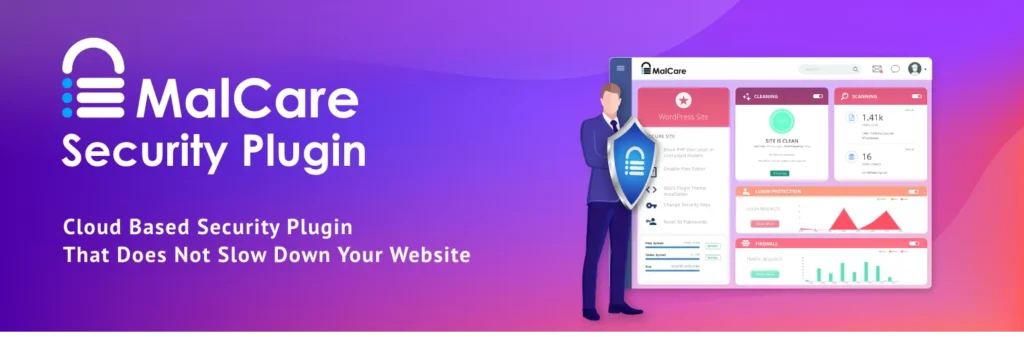
Many security plugins can slow down your site during a scan. MalCare solves this by running its deep-scan logic on its own servers instead of yours.
- Standout Feature: The “One-Click Malware Removal” tool is remarkably efficient for non-technical users who need an instant fix.
- Best For: Site owners who prioritize speed and Core Web Vitals.
4. All-In-One WP Security & Firewall (AIOS): The Free Powerhouse
If you are on a tight budget but need professional-grade hardening, AIOS is the most comprehensive free tool available.
- Standout Feature: The “Security Strength Meter” gives you a clear score, helping you understand which areas of your site still need work.
- Best For: Bloggers and small business owners.
5. Right Click Ban Pro: Intellectual Property Defense
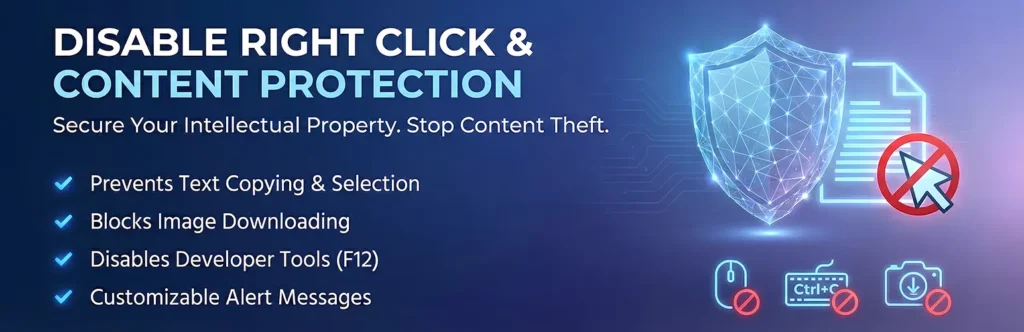
While firewalls protect your server from scripts, Right Click Ban Pro protects your actual content from human-level “theft.” This plugin is essential for photographers, writers, and artists who want to prevent their original work from being easily downloaded or copied.
- Best For: Photography portfolios, premium blogs, and creative agencies.
- Standout Feature: It doesn’t just disable the right-click menu; it also blocks keyboard shortcuts like Ctrl+U (View Source), Ctrl+C (Copy), and Ctrl+S (Save). It can even disable image dragging, making it significantly harder for casual users to scrape your visual assets.
- Customization: Unlike basic free scripts, the Pro version allows you to display custom alert messages, which can be used to redirect users to your “Licensing” page or provide a polite warning about copyright.
A Word of Caution: Never install more than one “all-in-one” security plugin (e.g., don’t run Wordfence and Sucuri simultaneously). Doing so will cause performance conflicts and may actually create new security holes. Pick one primary guardian and supplement it with specialized tools like a backup plugin or a dedicated activity log.
A Checklist for 2026
- [ ] Biometric/App 2FA enabled for all admin accounts.
- [ ] Auto-updates on for minor versions; Staging for major.
- [ ] Cloud-WAF is active to filter bot traffic.
- [ ] SSL/HTTPS strictly enforced (HSTS).
- [ ] Database Prefix changed from default.
- [ ] Install Security Plugin use recommended plugins.
- [ ] Monthly Integrity Audits to check for file changes.
Final Thoughts
WordPress security isn’t a destination; it’s a habit. By implementing these hardening steps—from the simple act of changing a username to the complex configuration of server-level firewalls, you aren’t just protecting data; you are protecting your brand’s reputation and your users’ trust.
Stay vigilant, stay updated, and stay secure.