

The landscape of software engineering has undergone a seismic shift as we navigate through 2026. No longer is coding merely about manual syntax entry or basic autocomplete; it has evolved into a sophisticated dance between human intent and agentic intelligence. The top 10 AI tools for developers in 2026 represent a new era where autonomous agents, like Antigravity, take the heavy lifting out of architectural design, debugging, and deployment. These tools have bridged the gap between professional engineers and non-developers, allowing anyone with a visionary idea to build complex, scalable software systems with unprecedented speed.
In this comprehensive guide, we will explore how these next-generation platforms are redefining the “Software Development Life Cycle” (SDLC). By focusing on the top 10 AI tools for developers in 2026, we aim to show you how to leverage free and paid features to streamline your workflow. Whether you are looking to automate your testing suites, refactor legacy code, or design a UI from a simple sketch, these tools, led by pioneers like Google Antigravit,y provide the necessary infrastructure to turn concepts into production-ready products in a fraction of the time.
Table of Contents
1. Google Antigravity (The Premier Agentic IDE)
Google Antigravity has emerged as the gold standard for “Agentic Development” in 2026. It isn’t just a text editor; it is a command center where you manage multiple AI agents that can browse the web, fix bugs, and write documentation simultaneously.
Free Version Features:
- Public Sandbox Access: Allows users to run small-scale projects in a secure, isolated cloud environment.
- Gemini 3 Flash Integration: High-speed code suggestions and real-time chat assistance for quick logic fixes.
- Single Agent Deployment: Capacity to run one autonomous agent at a time for task-specific goals like “Write a login page.”
- Unified Terminal: A smart terminal that understands natural language commands and executes them safely.
- VS Code Plugin Compatibility: Seamlessly import your favorite themes and extensions from traditional editors.
- Community Templates: Access to thousands of pre-configured agent workflows shared by the developer community.
Paid Version (Pro/Enterprise) Features:
- Multi-Agent Orchestration: Deploy a fleet of agents to work on frontend, backend, and DevOps tasks in parallel.
- Gemini 3 Ultra Models: Access to the most advanced reasoning models for complex system architecture and security audits.
- Self-Healing CI/CD: Agents automatically monitor your deployment pipelines and fix breaking changes in real-time.
- Zero-Knowledge Privacy: Ensures that your proprietary code is never used to train global AI models.
- Unlimited Context Window: Feed the AI millions of lines of code, and it will remember every architectural detail.
- Live Collaboration: Collaborative “Agent-Swarms” where multiple team members and AI agents work in the same workspace.
- Pricing: paid plans start at $250+ per month.
2. Cursor (The AI-Native Code Editor)
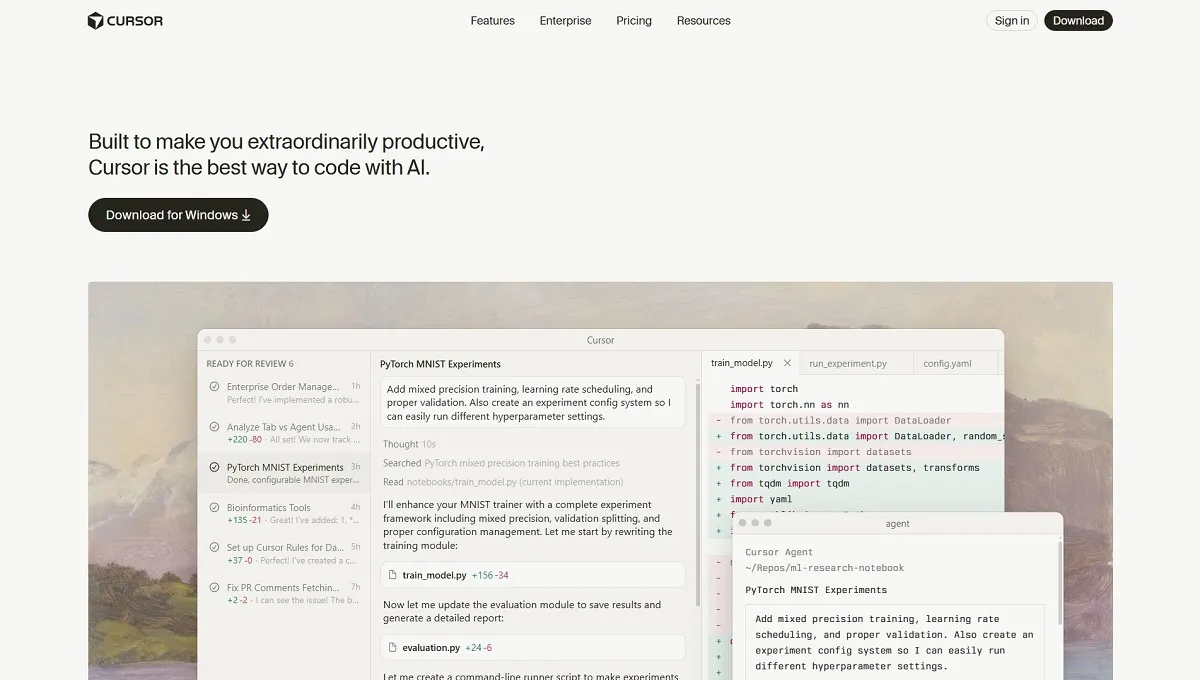
Cursor remains the most loved editor by the developer community for its “AI-first” philosophy. It feels like an extension of the developer’s thought process.
Free Version Features:
- Basic AI Chat: 2000 monthly tokens for code-related queries and explanations.
- Local Repository Indexing: Understands the structure of your local files for better context.
- Smart “Tab” Completion: Predictive code writing that goes beyond simple line completion.
- Integrated Linting: Automatically catches syntax errors as you type.
- Markdown Support: Excellent for writing documentation alongside your code.
Paid Version (Pro) Features:
- Unlimited GPT-5 & Claude 4.5: Access the world’s most powerful LLMs without any daily message limits.
- “Compose” Mode: Describe a feature, and the cursor writes across multiple files to implement it.
- Codebase-Wide Search: Ask questions like “Where is the payment logic handled?” and get instant, accurate answers.
- Fast Apply: Review AI suggestions and apply them instantly with a single shortcut, avoiding copy-paste.
- Private Mode: High-security settings for corporate developers to prevent data leaks.
- Pricing: paid plans start at $20 per month.
3. GitHub Copilot Workspace
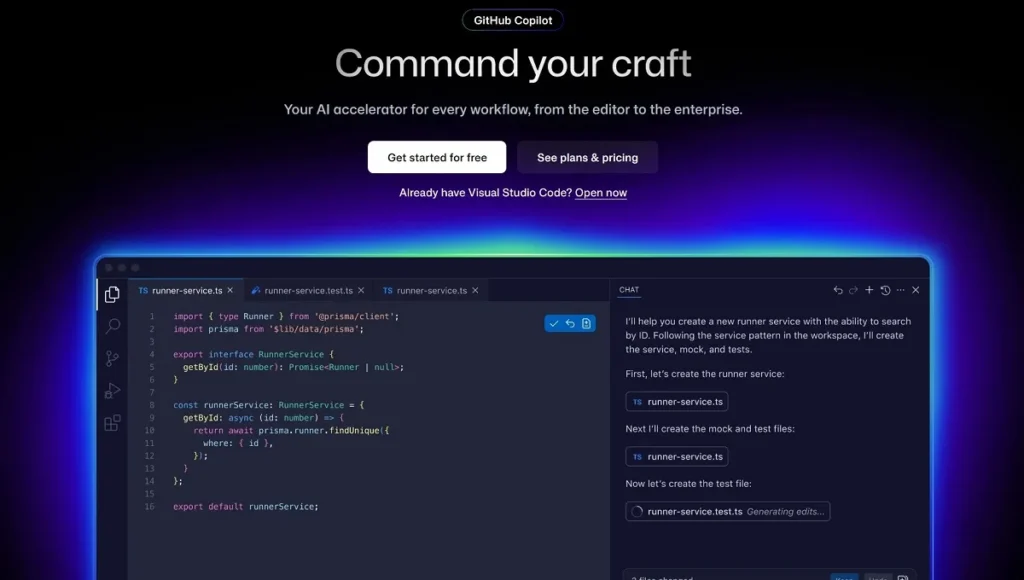
Copilot has evolved from a sidebar assistant into a full-scale workspace that handles the entire GitHub issue-to-PR (Pull Request) cycle.
Free Version Features:
- Code Autocomplete: Context-aware suggestions in over 80 programming languages.
- Copilot Chat: Interactive debugging and code explanation within the IDE.
- Mobile App Access: Review and edit code on the go via the GitHub mobile interface.
- Docs Integration: Instant access to official documentation for popular libraries.
- CLI Assistance: Helps you remember complex Git commands and shell scripts.
Paid Version Features:
- Agentic Task Execution: Give Copilot a GitHub issue link, and it will write the plan and the code to solve it.
- Enterprise Knowledge Base: It learns your company’s specific coding standards and internal libraries.
- Advanced Security Filtering: Automatically blocks code that resembles known vulnerabilities or copyrighted material.
- Fine-tuned Models: The ability to train Copilot on your specific legacy codebase for better accuracy.
- Vulnerability Remediation: Not only does it find security holes, but it also suggests the exact code to patch them.
- Pricing: paid plans start at $10 per month.
4. Replit Agent (No-Code to Pro-Code)
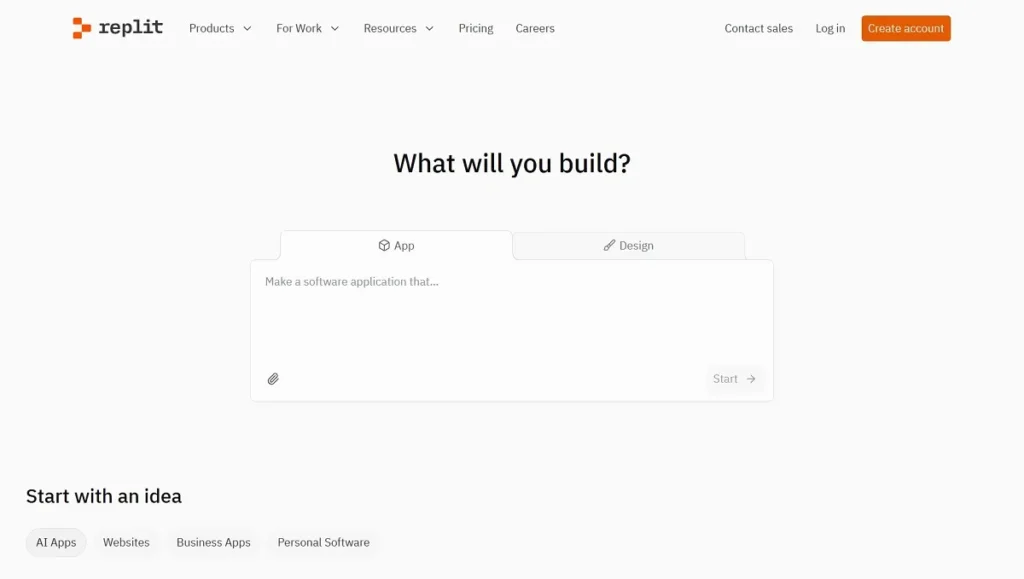
Replit Agent is the bridge for non-developers. It allows you to build full-stack applications through a simple conversational interface.
Free Version Features:
- Public Repls: Host and share small web projects for free with the community.
- Collaborative Coding: Real-time multiplayer editing (similar to Google Docs).
- Integrated Database: Access to a basic Key-Value store for simple data persistence.
- Multi-language Support: Runs everything from Python to Rust in the browser.
- Basic AI Debugger: Helps identify and fix runtime errors in your code.
Paid Version Features:
- Autonomous Builder: The Agent can set up servers, databases, and frontends from a single prompt.
- Custom Domains: Professional hosting with SSL certificates for your production apps.
- High-Performance Resources: Access to dedicated CPUs and increased RAM for intensive applications.
- Deployment Pipelines: One-click deployment to global edge networks.
- Ghostwriter Pro: A more advanced version of their AI that offers faster and more accurate code generation.
- Pricing: paid plans start at $20 per month.
5. Lovable (The Design-to-App Revolution)
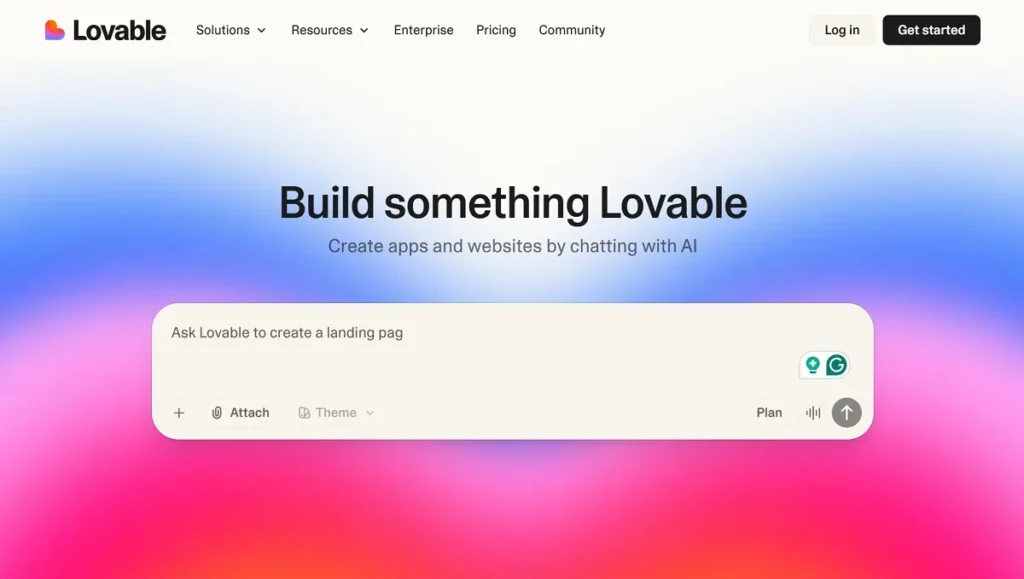
Lovable focuses on the visual side of development. It is the leading tool for turning UI designs into functional, high-quality code.
Free Version Features:
- Component Visualizer: View UI components in real-time as you describe them.
- React/Tailwind Support: Generates clean, modern code using industry-standard frameworks.
- Basic Figma Sync: Import simple layouts from Figma and see the generated code.
- Interactive Previews: Test buttons and transitions directly in the browser.
- Community Showcase: Fork and learn from projects built by other creators.
Paid Version Features:
- Full-Stack Generation: It doesn’t just build the UI; it connects it to a backend and database.
- Clean Code Export: Export code that is easy for humans to read and maintain.
- Advanced Figma Plugin: Precise conversion of complex Figma designs, including auto-layout and variables.
- Collaborative Design-Dev Workspaces: Designers and developers can work on the same live app.
- SEO Optimization: Automatically generates meta tags and optimizes assets for fast loading.
- Pricing: paid plans start at $25 per month.
6. Windsurf (The Flow-State Orchestrator)
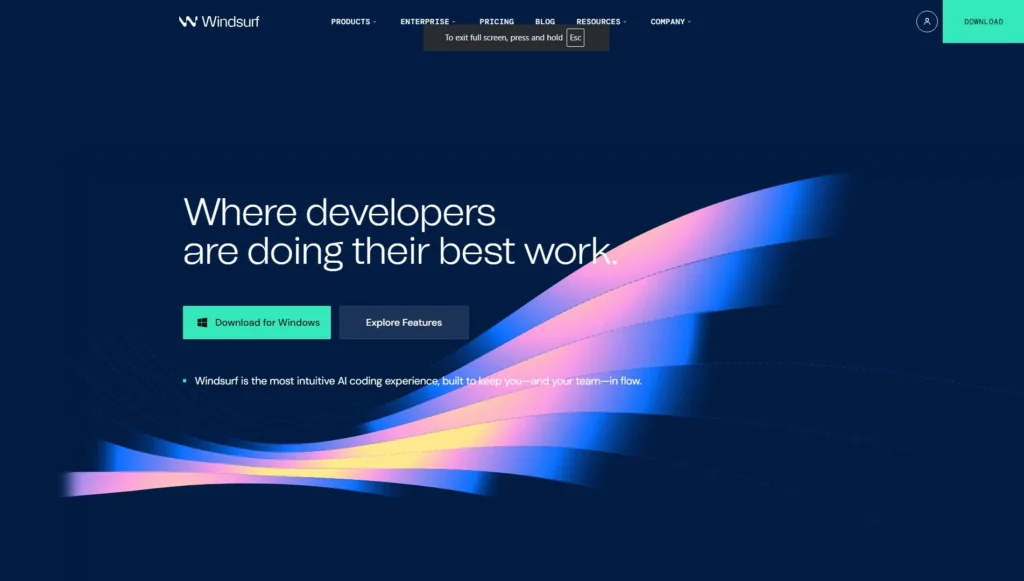
Windsurf is an IDE that focuses on “The Flow.” It uses a revolutionary context-awareness engine called Cascade to help developers stay in the zone.
Free Version Features:
- Cascade Engine (Basic): An AI assistant that understands the relationship between different files.
- Unlimited Local Search: Search through your local code using natural language for free.
- Smart Terminal: Suggests the next command based on your current coding task.
- Integrated Git: Visualize your version history and resolve conflicts with AI help.
- Multi-file Editing: Apply small changes across a couple of files simultaneously.
Paid Version Features:
- Deep Context RAG: Uses “Retrieval-Augmented Generation” to index your entire project, including documentation.
- Advanced Cascade Autonomy: Let the agent take over complex refactoring tasks across hundreds of files.
- Team Knowledge Sharing: The AI learns from the whole team’s coding style and preferences.
- Priority Processing: Faster response times for AI queries during peak hours.
- Enterprise-Grade Security: Data encryption and SOC2 compliance for corporate use.
- Pricing: 2-week free trial with 100 credits and paid plans start at $15 per month.
7. Qodo (The Integrity & Testing Master)
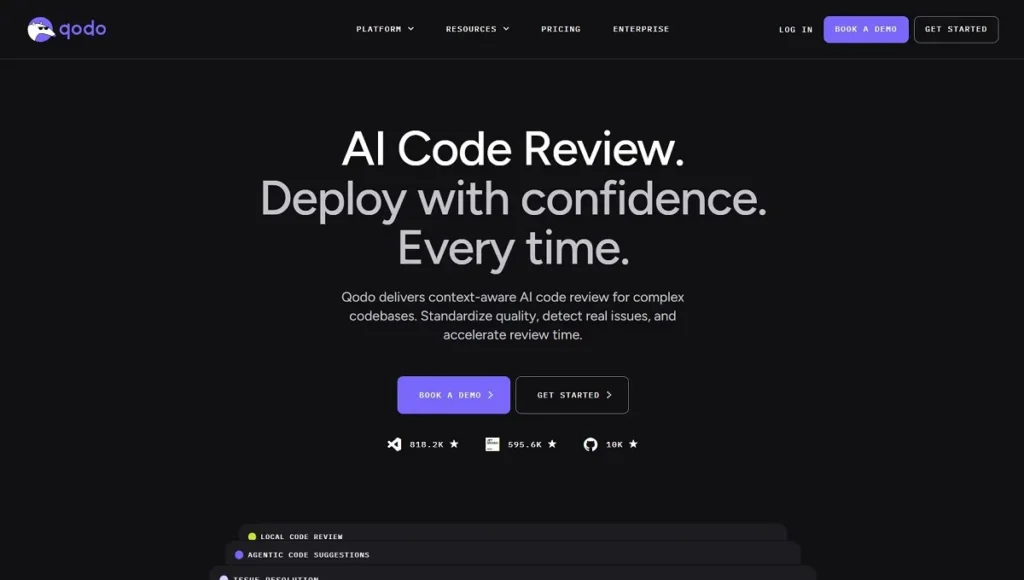
Qodo (formerly CodiumAI) focuses on code quality. In 2026, when AI writes most code, Qodo is the tool that ensures that code actually works and is secure.
Free Version Features:
- Unit Test Generation: Automatically writes tests for individual functions.
- Code Explanation: Breaks down complex logic into easy-to-understand English.
- PR Summaries: Generates clear descriptions for your Pull Requests.
- Docstring Generation: Keeps your code documented according to professional standards.
- Basic Security Checks: Identifies common coding pitfalls.
Paid Version Features:
- Behavioral Testing: Tests how your application behaves from a user’s perspective, not just the code.
- Automated PR Reviews: The AI acts as a senior developer, reviewing your team’s code for logic flaws.
- Integrity Suite: Ensures that new code doesn’t break existing features (Regression testing).
- Custom Test Rules: Set specific testing standards that the AI must follow for your organization.
- CI/CD Integration: Automatically runs tests and blocks “bad” code from being merged.
- Pricing: paid plans start at $30 per month with 2,500 credits.
8. Devin AI (The First Fully Autonomous Engineer)
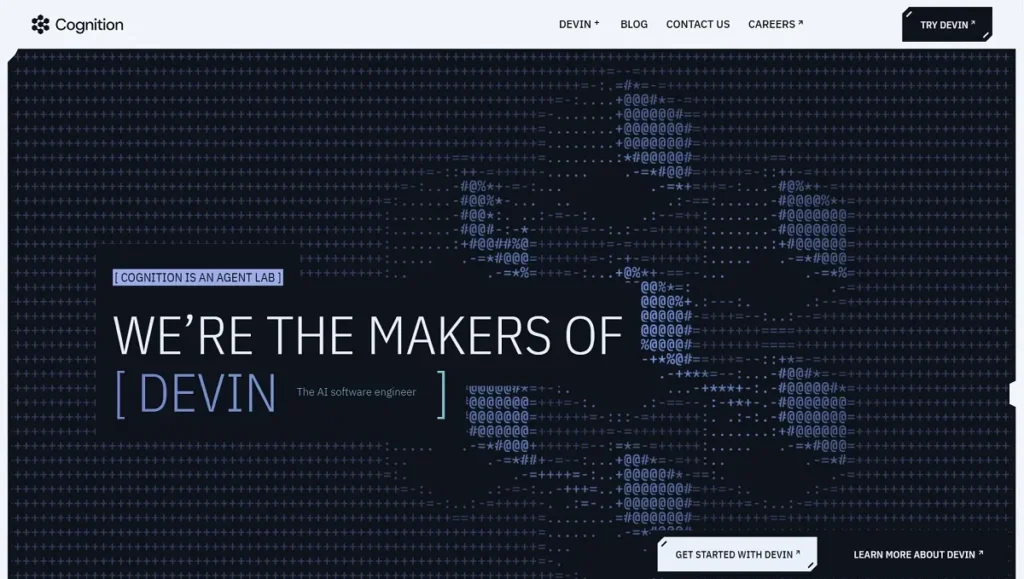
Devin is not just a tool; it’s a teammate. It is the first AI capable of planning and executing complex engineering tasks from start to finish.
Free Version Features:
- Trial Credits: Limited access to Devin to see how it solves a specific bug or task.
- Sandbox Viewer: Watch Devin work in real-time through its internal browser and terminal.
- Task Planning: Devin can provide a step-by-step plan for your project for free.
- Community Access: Join the developer forum to see how others are using autonomous agents.
Paid Version Features:
- End-to-End Task Completion: Devin can take a Jira ticket, write the code, test it, and deploy it.
- Web Research Capabilities: Devin can go to the internet, read a new API’s documentation, and implement it.
- Self-Healing Capabilities: If Devin encounters an error, it debugs itself by adding print statements or checking logs.
- Scalable Workforce: Deploy multiple “Devins” to work on different parts of a large-scale system.
- Custom Environment Setup: Devin can set up their own developer environment (Docker, Databases, etc.) autonomously.
- Pricing: paid plans start at $20 per month.
9. Claude Code (The CLI Powerhouse)
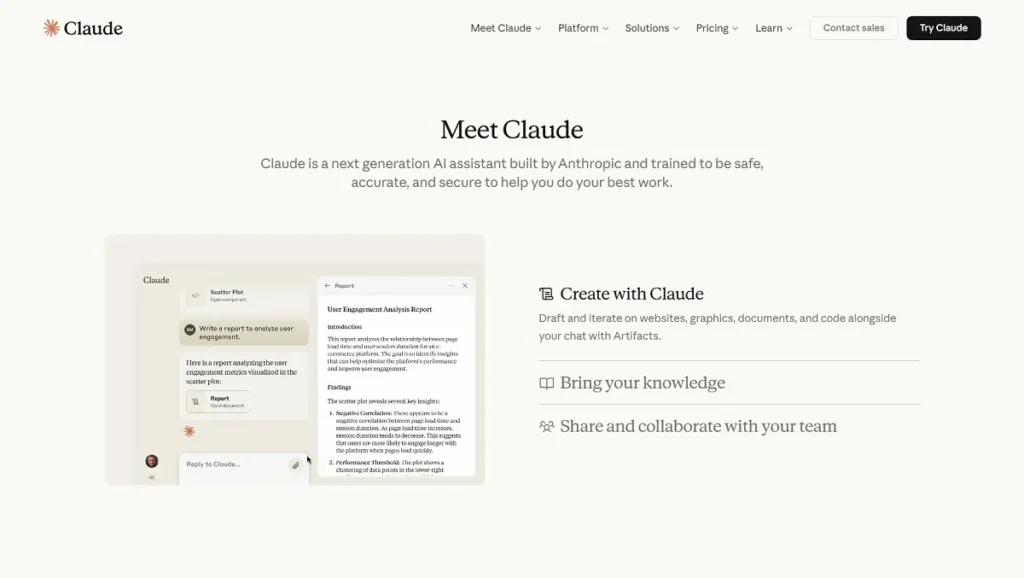
For developers who live in the terminal, Anthropic’s Claude Code is the fastest way to manipulate code without leaving the command line.
Free Version Features:
- CLI Interface: High-speed interaction through the terminal.
- File Analysis: Ask Claude to explain or find bugs in a specific file.
- Basic Code Refactoring: Suggestions to make your code more efficient.
- Universal Compatibility: Works on Mac, Linux, and Windows terminal environments.
Paid Version Features:
- Claude 4.5 Opus Access: The most intelligent model for high-level architectural decisions.
- Massive File Support: Analyze thousands of files at once thanks to the 2M+ token context window.
- Complex Logic Solving: Best-in-class performance for mathematical and logical programming challenges.
- Low Latency API: Get responses in milliseconds for a seamless coding experience.
- Enterprise Support: Dedicated support for integrating Claude into large-scale development pipelines.
- Pricing: paid plans start at $17 per month.
10. Blackbox AI (The Real-Time Knowledge Engine)
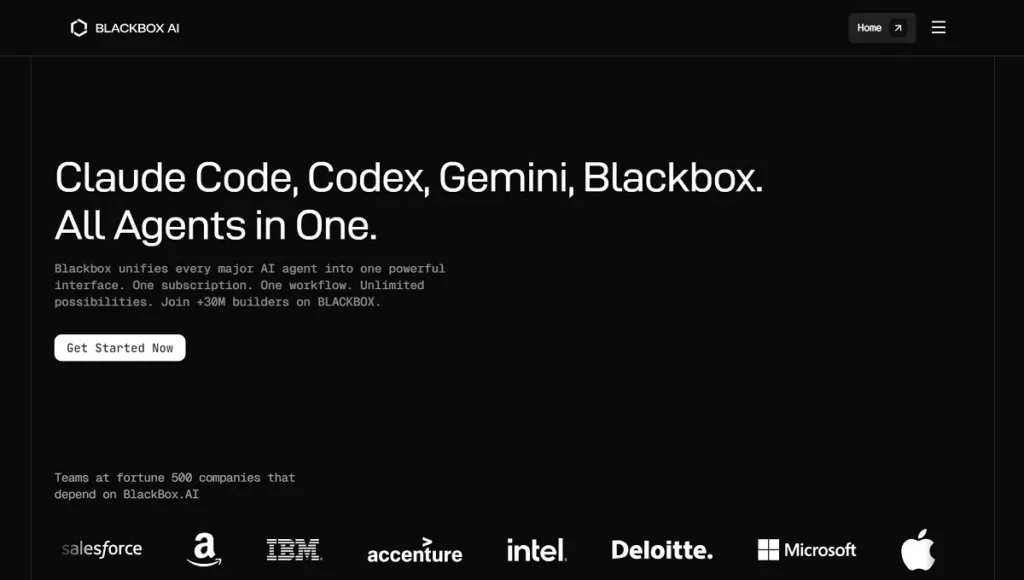
Blackbox AI excels at two things: speed and real-time data. It is the best tool for developers who need to integrate the latest APIs and libraries.
Free Version Features:
- Real-Time Code Search: Searches the latest repositories on GitHub to find working examples.
- Image-to-Code: Upload a screenshot of a website, and it generates the HTML/CSS/JS.
- VS Code Integration: Fast autocomplete and chat features.
- Multi-Language Snippets: Instant code blocks for almost any programming language.
Paid Version Features:
- Full Repository Indexing: Sync your entire private GitHub organization for personalized suggestions.
- Advanced Agentic Workflows: Automates repetitive tasks like data migration and API mapping.
- Ad-Free Experience: No distractions, just pure coding speed.
- Highest Priority Servers: Ensure your AI suggestions are generated instantly, even during peak traffic.
- Unlimited Image-to-Code: Convert as many designs to code as you need.
- Pricing: paid plans start at $10 per month.
Conclusion: Mastering the Top 10 AI Tools for Developers in 2026
The year 2026 marks a turning point where the barrier to entry for software creation has never been lower, yet the potential for complexity has never been higher. By mastering the top 10 AI tools for developers in 2026, you aren’t just becoming a faster coder; you are becoming a “Product Architect.” Tools like Antigravity and Devin allow you to focus on the “Why” and the “What,” while the AI handles the “How.”
Whether you are a seasoned professional or a non-developer with a big idea, these platforms offer the scalability, security, and intelligence needed to thrive in the modern tech ecosystem. The future belongs to those who can effectively collaborate with these digital teammates.