
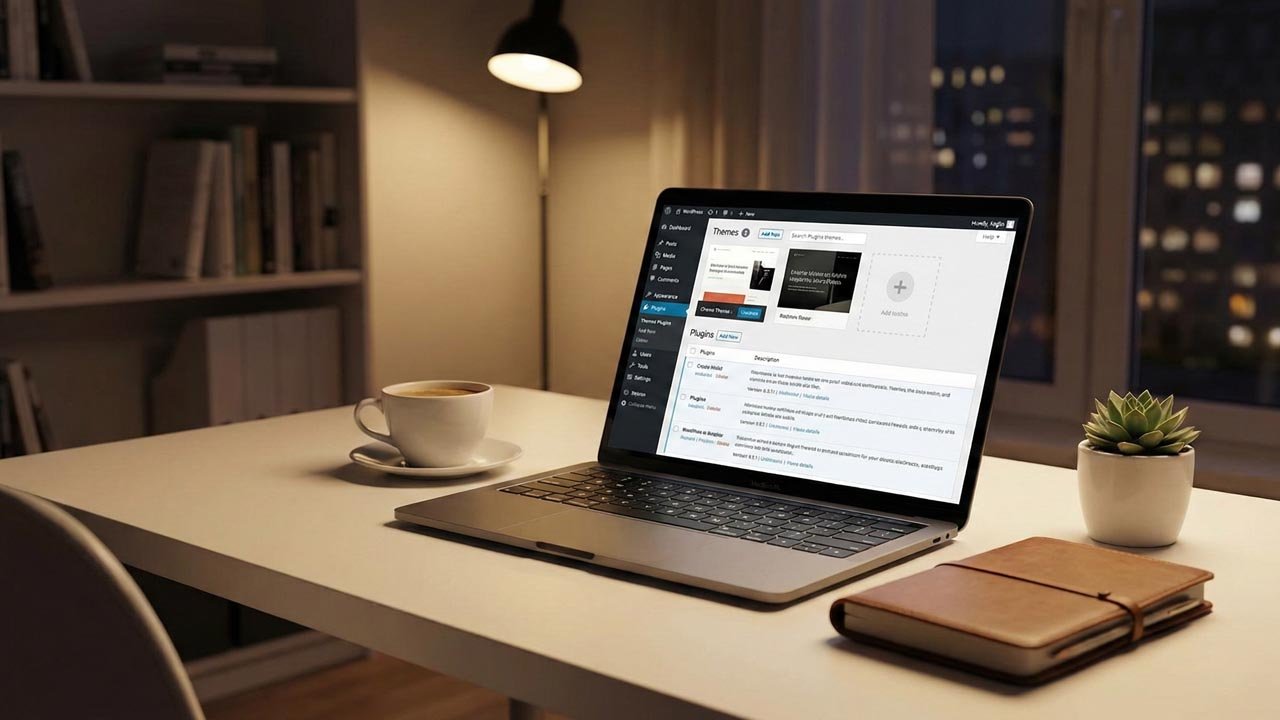
In the digital age we live in, which has seen great growth in technology, what is seen is that having a great and functional website is a must. Whether you are a business looking to sell products or services, a blogger looking to share your thoughts, or a designer showing off your portfolio, your website is your online business card. It is in this space that WordPress has taken the lead as the most used content management system due to its flexible nature, easy-to-use interface, and extensive customization options. Two things that really put WordPress on top are its themes and plugins.
Table of Contents
What Is a WordPress Theme?
A WordPress theme is the element that gives your site its face. It sets the look of the site out: layout, color, typeface, and page structure. Instead of building a site from the ground up, users may pick a predesigned theme that fits their purpose and style.
Today’s WordPress themes are designed to be responsive, which means they change according to the screen size of the device: mobile, tablet, and desktop. This is considered very important since a great deal of traffic to sites is from mobile users. Also, a good theme will see to it that pages load fast, have a neat design, and, in general, improve the user experience.
Themes are available for a variety of uses, which include business sites, blogs, e-commerce stores, health care services, education platforms, and portfolios. By choosing the right theme, you may save time and create a professional-looking site without technical know-how.
Free vs. Premium WordPress Themes
Free themes are an ideal start for beginners. They put forth basic design options and essential features. As for premium themes, they bring in advanced customization, better performance, regular updates, and dedicated customer support.
Premium themes come with page builders, sample content, and extra layout options, which in turn make it easy to create unique designs. For business and professional projects, value is often seen in premium themes, which can improve brand and credibility.
What Is a WordPress Plugin?
Themes set the design of a WordPress site; plugins add in features. Plugins allow the user to add what they need without having to write any code. For example, some plugins improve search engine optimization (SEO) of a site, which adds to security, that put in contact forms, that speed up performance, that do backups, and that integrate social media.
There is a vast collection of plugins—both free and paid—which cover all aspects of what any given website may require, including integrations that support mobile app development services. With the right set of plugins, a very basic WordPress site may be turned into a very powerful online platform.
Importance of Plugins for Website Performance
Plugins are a key element in which improvement in website performance and usability is seen. For search engine optimization, some plugins improve the engine’s ability to index content, thus increasing the chance that potential visitors will find the site. Also, there are security plugins that put up a barrier to malware, hacking attacks, and spam.
Caching and performance plugins also see to it that page load time is reduced, which in turn is a plus for both user experience and search engine rankings. Also, other plugins take care of images, analytics, email marketing, and customer engagement.
Also, it is key to only use what is needed. Too many plugins will slow down the site and cause issues. Quality and compatibility are what count.
Customization Without Coding
One of the great benefits of WordPress themes and plugins is that you do not have to know how to code to change them up. In many themes, there are page builders included, which feature drag-and-drop interfaces. It is easy for the users to change out the layout, add in different sections, alter colors, and put in custom content.
This is a flexible system that caters to both beginners and professionals as they develop their websites. Also, businesses can easily put up new content, add more pages, or roll out promotions, which in the past would have required developer support.
Security and Regular Updates
Reliable themes and plugins are always updated, which in turn fixes bugs, improves performance, and enhances security. Outdated themes or plugins may put your site at risk. That’s why it is very important to use proven and well-maintained products.
Regular updates also ensure compatibility with the latest WordPress version. This, in turn, helps sites to be stable, secure, and functional over time.
Choosing the Right Themes and Plugins
Before choosing a theme or plugin, noting which goals a site has is key. For a business website, speed, professional design, and lead generation features are needed. As for a blog, a clean layout and easy readability are what should be preferred. And for an online store, eCommerce Compatibility and payment integration are required.
Checking out reviews, ratings, update history, and support options goes a long way in better decision-making when selecting ui ux design services. Also, light and optimized themes as well as plugins usually do better, which in turn provides a smoother user experience.
Conclusion
WordPress themes and plugins are the base for a great website. Themes determine the look and feel, while plugins improve function and performance. Together, they enable the creation of professional, secure, and easy-to-use sites without needing to be technical.
Through the right mix of themes and plugins, users can design sites that are fast, responsive, and that also fit what they want. For personal or professional growth, WordPress’s customization options are vast and provide what is needed to build out a great online presence.