
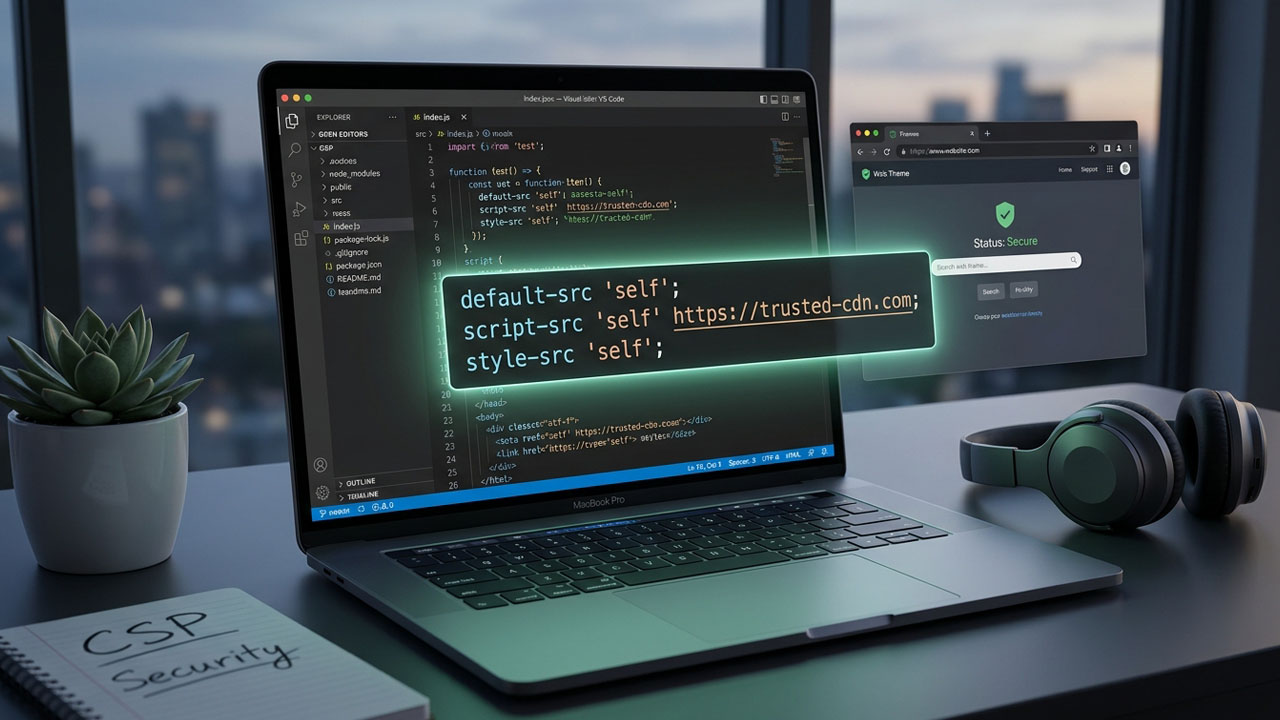
Cross-site scripting (XSS) remains a persistent and critical threat, consistently ranking as a top vulnerability by security organizations. For enterprise-grade WordPress development, relying solely on data sanitization and output escaping is no longer sufficient. The browser itself requires a rigid set of instructions dictating exactly what resources are authorized to execute.
Implementing Strict Content Security Policy (CSP) Headers in Custom Themes is the most robust method to fortify your front-end architecture. By transmitting a precise HTTP response header, you command the browser to block unauthorized scripts, styles, and data exfiltration attempts—even if a malicious actor successfully bypasses your server-side defenses and injects code into the DOM.
Building this security layer directly into your custom theme, rather than depending on off-the-shelf security plugins, guarantees absolute control over performance and third-party compatibility. This guide covers how to engineer a production-ready, strict CSP for a modern WordPress environment running on PHP 8.3 and WordPress 6.5+.
The Architecture of a Strict Content Security Policy
Historically, a Content Security Policy relied heavily on domain allowlists. Developers would explicitly tell the browser to permit scripts from 'self', specific CDNs, and tracking domains like Google Analytics.
The problem with domain allowlists is that they are highly susceptible to bypass attacks. If an attacker discovers an open redirect or a vulnerable JSONP endpoint on any of those trusted domains, they can still execute malicious JavaScript. Furthermore, managing an ever-growing list of domains as marketing teams add new tracking pixels becomes a fragile, unmanageable chore.
A “Strict CSP” abandons the domain allowlist approach for scripts. Instead, it relies on cryptographic nonces (numbers used once) and the modern strict-dynamic directive.
When a user requests a page, your server generates a unique, unpredictable string—the nonce. This nonce is passed in the HTTP header, and the exact same nonce must be included as an HTML attribute on every legitimate <script> and <style> tag. If an attacker injects an unauthorized script, they will not know the current page load’s unique nonce, and the browser will refuse to execute it.
The WordPress CSP Challenge: Inline Assets and the Block Editor
Implementing Strict Content Security Policy (CSP) Headers in Custom Themes is notoriously complex due to the underlying mechanics of the WordPress ecosystem.
A Strict CSP naturally blocks all inline scripts and styles unless they carry the correct cryptographic nonce. However, WordPress core features like the Gutenberg block editor, the Customizer, and the media library aggressively inject inline CSS and localized JavaScript objects directly into the DOM.
Furthermore, many third-party plugins bypass the official WordPress enqueue system, printing raw <script> tags directly into wp_head or wp_footer. If you deploy a Strict CSP without careful planning, you will instantly break visual layouts, disable form submissions, and shatter block editor functionality.
To succeed, you must leverage modern WordPress core hooks introduced in recent versions to systematically inject nonces into authorized assets, while utilizing the Reporting API to monitor third-party violations.
Phase 1: Deploying Content-Security-Policy-Report-Only Mode
Never deploy an enforced CSP directly to a production WordPress environment. Doing so will immediately break critical site functions.
Always begin with the Content-Security-Policy-Report-Only header. This instructs the browser to evaluate your proposed policy and report any violations to a specified endpoint, without actually blocking the resources from loading. This allows you to monitor what would break, allowing you to refine your policy iteratively.
You can initiate this via your theme’s functions.php file using the send_headers hook:
add_action( 'send_headers', 'my_theme_csp_report_only' );

function my_theme_csp_report_only() {
    // Exclude the admin dashboard to prevent breaking core WP functionality
    if ( is_admin() ) {
        return;
    }

    $policy = "default-src 'self'; ";
    $policy .= "script-src 'self' https://trusted-cdn.com; ";
    $policy .= "style-src 'self' 'unsafe-inline'; "; // Temporarily required for block styles
    $policy .= "img-src 'self' data: https:; ";

    // Modern Reporting API setup
    header( 'Reporting-Endpoints: csp-endpoint="https://example.com/wp-json/my-theme/v1/csp-report"' );
    $policy .= "report-to csp-endpoint;";

    header( "Content-Security-Policy-Report-Only: {$policy}" );
}
By directing the violations to a custom REST API endpoint or a dedicated service, you can monitor your server logs. This reveals exactly which plugins or third-party ad networks are violating your proposed rules, allowing you to address them before enforcing the policy.
Phase 2: Generating Cryptographic Nonces in PHP
To transition from a basic policy to a strict, nonce-based architecture, we must generate a secure token on every page load.
We generate this cryptographically secure string using PHP’s native random_bytes() function. This must be stored statically during the request lifecycle so it can be accessed by both the HTTP header output and the WordPress script loader filters.
class Theme_CSP_Manager {
    private static $nonce = '';

    public static function get_nonce() {
        if ( empty( self::$nonce ) ) {
            // Generate a 16-byte random string, securely encoded
            self::$nonce = base64_encode( random_bytes( 16 ) );
        }
        return self::$nonce;
    }
}
Phase 3: Enforcing strict-dynamic in the Header
Next, we update our header function to utilize this dynamic nonce for the script-src directive and remove the Report-Only suffix.
Crucially, we also enforce the 'strict-dynamic' keyword. This modern CSP Level 3 feature tells the browser to automatically trust any scripts that are dynamically loaded by a script that already possesses the valid nonce. This is vital for WordPress, as it allows tools like Google Tag Manager to load subsequent tracking scripts without requiring you to whitelist every individual domain.
add_action( 'send_headers', 'my_theme_enforce_strict_csp' );

function my_theme_enforce_strict_csp() {
    if ( is_admin() || in_array( $GLOBALS['pagenow'], ['wp-login.php', 'wp-register.php'] ) ) {
        return; // Keep admin and login loose to prevent breaking Gutenberg
    }

    $nonce = Theme_CSP_Manager::get_nonce();

    // The core of a Strict CSP
    $policy = "script-src 'nonce-{$nonce}' 'strict-dynamic' https: 'unsafe-inline'; ";
    $policy .= "object-src 'none'; ";
    $policy .= "base-uri 'none'; ";

    header( "Content-Security-Policy: {$policy}" );
}
Note: In the presence of 'strict-dynamic', modern browsers will ignore https: and 'unsafe-inline', but they are included here as a fallback for older browsers that only support CSP Level 1 or 2.
Phase 4: Applying Nonces to WordPress Enqueued Assets
Now that the HTTP header demands a nonce, we must append that exact nonce to every script and style enqueued by WordPress.
Since WordPress 6.1, core provides dedicated filters for adding HTML attributes to properly enqueued assets. We use wp_script_attributes and wp_style_attributes to seamlessly inject our generated nonce.
// Add nonce to enqueued script tags
add_filter( 'wp_script_attributes', 'my_theme_add_nonce_to_scripts' );
function my_theme_add_nonce_to_scripts( $attributes ) {
    if ( ! is_admin() ) {
        $attributes['nonce'] = Theme_CSP_Manager::get_nonce();
    }
    return $attributes;
}

// Add nonce to enqueued style tags
add_filter( 'wp_style_attributes', 'my_theme_add_nonce_to_styles' );
function my_theme_add_nonce_to_styles( $attributes ) {
    if ( ! is_admin() ) {
        $attributes['nonce'] = Theme_CSP_Manager::get_nonce();
    }
    return $attributes;
}

// Ensure inline scripts (like localized data) receive the nonce
add_filter( 'wp_inline_script_attributes', 'my_theme_add_nonce_to_inline_scripts' );
function my_theme_add_nonce_to_inline_scripts( $attributes ) {
    if ( ! is_admin() ) {
        $attributes['nonce'] = Theme_CSP_Manager::get_nonce();
    }
    return $attributes;
}
This elegant approach handles all standard assets registered via wp_enqueue_script and wp_add_inline_script.
Managing Rogue Plugins and Output Buffering
The nonce approach works perfectly for scripts that obey the WordPress hook system. However, poorly coded plugins often bypass wp_enqueue_script and use echo to print raw <script> tags directly into template files. These will be immediately blocked by your Strict CSP.
If you cannot replace the offending plugin, you must use output buffering to intercept the final HTML payload and forcibly inject the nonce before the server sends the response to the browser.
add_action( 'template_redirect', 'my_theme_buffer_output_for_csp' );

function my_theme_buffer_output_for_csp() {
    if ( is_admin() ) return;

    ob_start( function( $html ) {
        $nonce = Theme_CSP_Manager::get_nonce();
        // Regex to inject nonce into script tags missing it
        $html = preg_replace( '/<script(?![^>]*nonce)([^>]*)>/i', '<script nonce="' . esc_attr( $nonce ) . '"$1>', $html );
        return $html;
    });
}
Warning: Output buffering introduces overhead and requires specific configuration if you are utilizing aggressive page caching plugins like WP Rocket or W3 Total Cache.
Handling Block Editor Inline Styles
While securing JavaScript is the primary defense against XSS, styling presents a unique headache. The WordPress block editor generates dynamic classes and inline <style> blocks directly in the DOM based on user layout choices.
Attempting to remove 'unsafe-inline' from your style-src directive in a block-heavy WordPress environment is incredibly difficult without breaking visual layouts.
For most enterprise custom themes, a pragmatic approach is to enforce strict, nonce-based rules for script-src, while allowing 'unsafe-inline' for style-src. To mitigate the risks of CSS-based data exfiltration, you must strictly define your img-src and font-src directives so attackers cannot use CSS url() requests to steal tokens.
If you have a strict compliance requirement to remove 'unsafe-inline' for styles, you will need to map every inline style to a SHA-256 hash or utilize the output buffering method detailed above to append nonces to every dynamically generated <style> block.
Verifying Your Implementation
Once your headers and nonces are actively generating, verify the integrity of your setup. Open Chrome DevTools and inspect the Network tab. Click on your initial document request and verify that the Content-Security-Policy header is present, featuring the correct, randomized nonce, and that strict-dynamic is applied.
Next, inspect the DOM. Look at your <script> tags and confirm that the nonce="" HTML attribute matches the HTTP header exactly. Finally, check the Console tab; if your implementation is correct, there should be zero blocked resource errors on the front end.
To ensure there are no syntax errors in your policy string, run your domain through the official Google CSP Evaluator. This tool highlights easily bypassed allowlists, missing object fallbacks, and improper syntax, ensuring your custom theme meets modern web.dev security standards.
Frequently Asked Questions
Why does a strict CSP break the WordPress admin dashboard?
The WordPress admin area (wp-admin) and the Gutenberg block editor rely heavily on legacy inline scripts, dynamic eval() functions, and inline styles. It is best practice to conditionally exclude the admin dashboard (using is_admin()) from your strict frontend CSP, or serve a much looser allowlist policy specifically for authenticated admin users.
How do I handle Google Tag Manager with a strict CSP?
Because you are using the 'strict-dynamic' directive, you only need to apply your cryptographic nonce to your initial Google Tag Manager container script. Any subsequent marketing or analytics scripts loaded dynamically by that initial, trusted script will automatically be permitted execution by the browser.
Can I use a security plugin instead of writing custom functions?
While some security plugins offer CSP management, they usually rely on basic domain allowlists rather than dynamically generated nonces. To achieve a truly strict, nonce-based policy without heavy performance overhead or third-party bloat, building it directly into the custom theme architecture via functions.php is the most secure method.
How do I fix mixed content errors when implementing a CSP?
If your CSP strictly enforces HTTPS but your WordPress database still contains hardcoded HTTP URLs, you will experience mixed content blocking. Before enforcing a CSP, ensure you have run a secure search-and-replace on your database and use the upgrade-insecure-requests CSP directive as a temporary fallback during migration.