
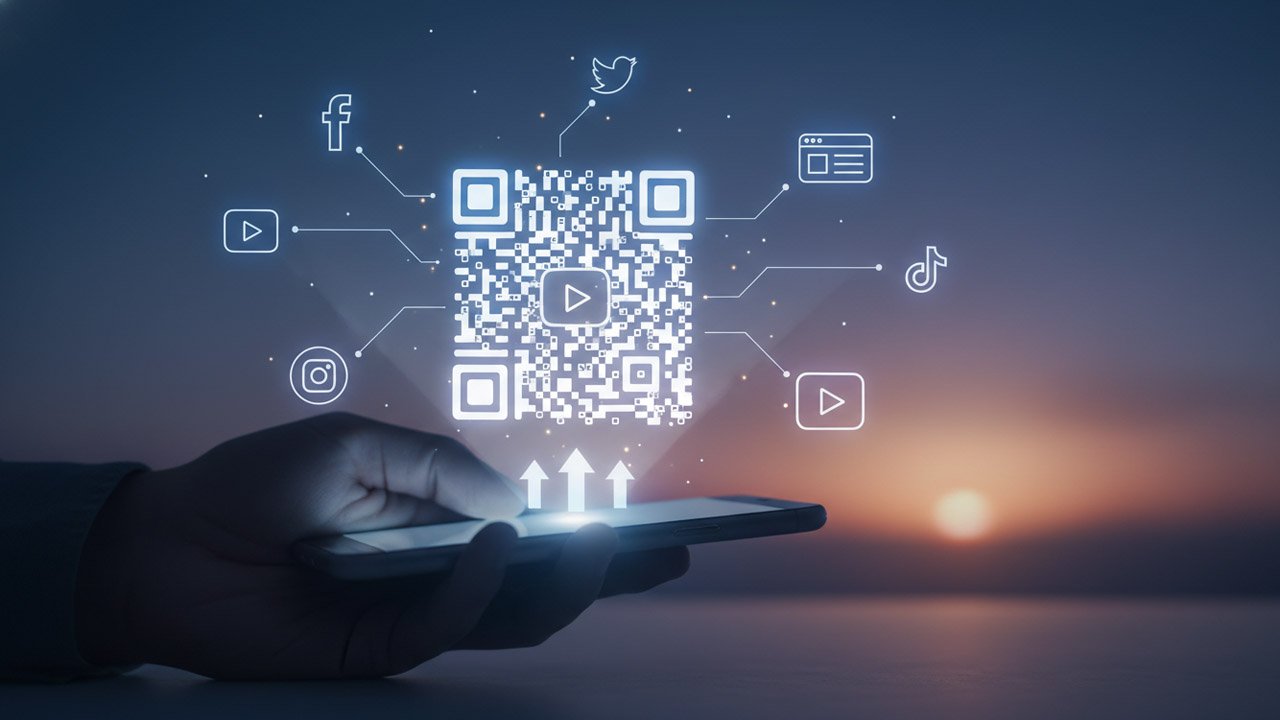
Let’s be honest for a second. Have you ever tried getting an in-store customer, an event attendee, or someone reading your printed flyer to pull out their phone and find your business on social media? It usually involves an awkward exchange where you ask them to search your exact business name, hope they don’t click on a competitor with a similar handle, and pray they actually hit that ‘Follow’ button. It’s simply too much friction for the average consumer. If you want to seamlessly connect your real-world audience to your digital ecosystem today, you have to completely eliminate that friction. The absolute easiest way to do this is by using a reliable Facebook QR Code Generator to build a direct portal from their smartphone camera straight to your profile. No typing, no searching, just a quick scan, and they are instantly part of your online community.
If you run a WordPress site, a WooCommerce store, or manage digital marketing for a local business, you already know how expensive it is to acquire a new lead online. Ad costs are rising, and organic reach is constantly throttled by algorithm updates. Yet, so many businesses completely ignore the traffic source right in front of their faces: foot traffic and physical touchpoints.
Let’s dive into exactly why QR technology is having a massive renaissance right now, and how you can strategically deploy it to drive traffic, grow your social channels, and boost your bottom line without spending an extra dime on ads.
The Post-Pandemic QR Code Renaissance
If you’ve been in the digital marketing space for a while, you probably remember the first iteration of QR codes roughly a decade ago. They were, to put it mildly, a bit of a disaster. You had to download sketchy third-party apps just to read them, the codes themselves were ugly, and they usually linked to non-mobile-responsive websites that took ages to load.
Then 2020 happened. Suddenly, contactless technology wasn’t just a novelty; it was a global necessity. Scanning a little black-and-white square to read a restaurant menu or pay a bill became second nature to almost everyone, regardless of their age or tech-savviness.
Fast forward to today, and that behavior is permanently ingrained in our daily habits. Apple and Android have baked native scanning capabilities so deeply into their default camera applications that it’s practically invisible technology. You just point and click. Because the barrier to entry has vanished, consumers are more willing than ever to scan a code if they believe there is value waiting for them on the other side.
Why Your Social Media Needs a Physical Bridge
For website owners and brands, social media is the engine that drives community engagement and repeat sales. But bridging the gap between a physical interaction and a digital follow is notoriously difficult.
Think about a coffee shop. A customer loves their latte. They might even want to follow the shop on Facebook or Instagram to see upcoming seasonal specials. But by the time they leave the store, get into their car, and go about their day, that intent is completely gone.
Now, imagine if that same coffee shop had a beautifully designed tent card on every table with a clear call to action: “Scan to join our Facebook community and get a free pastry on your next visit!” The customer points their camera, the Facebook app opens instantly to the exact page, and they click ‘Follow’. You’ve just converted a transient offline customer into a permanent digital subscriber whom you can market to for free, forever. This isn’t just about getting vanity metrics; it’s about building an owned audience.
Strategic Placements for Maximum Scans
Creating the code is only step one. The real magic happens when you place these codes strategically in high-intent locations. Here are some of the most effective real estate options for your new marketing assets:
1. Product Packaging and Inserts
If you are running a WooCommerce store on your WPFrank-optimized site, product packaging is your best friend. Don’t just ship a brown box. Include a beautifully printed insert card inside every order. Thank them for their purchase and offer a 10% discount code for their next order if they scan the code to follow your social channels or join your email list. The open rate on a physical package is 100%. Don’t waste that impression.
2. Business Cards and Networking Materials
Traditional business cards end up in the trash or lost in a drawer. Upgrading your card with a dedicated code that leads directly to a custom landing page (or your main social hub) turns a piece of cardstock into an interactive digital handshake.
3. Retail Receipts
People look at their receipts. Printing a custom code at the bottom of a receipt with a prompt to “Scan to review us” or “Scan to follow our latest updates” catches the customer right after they’ve made a purchase—the exact moment they are most positively disposed toward your brand.
4. Event Banners and Trade Show Booths
If you sponsor an event or run a booth, people will walk by without stopping to talk. A massive, easily scannable code on your banner with an incentive (e.g., “Scan to enter our tech giveaway”) allows you to capture leads even from people who are too shy or in too much of a hurry to engage in conversation.
Static vs. Dynamic: Making the Right Choice
Before you go wild generating codes for every asset your business owns, you need to understand the critical difference between the two main types of codes available today.
Static QR Codes: Once you create these, the destination URL is hard-coded into the pattern of the squares. If you make a typo in the URL, or if you want to change the promotion next month, you are out of luck. You have to generate a brand new code and reprint all your physical materials. This is fine for permanent things (like your main website homepage), but terrible for marketing campaigns.
Dynamic QR Codes: This is what professional marketers use. A dynamic code links to a short, intermediary URL that instantly redirects the user to your final destination. Because you control that intermediary link, you can change the final destination URL at any time without ever having to change the physical, printed code.
Printed 10,000 flyers linking to your Facebook page, but next week you want them to point to a specific WordPress landing page instead? With a dynamic code, you just log into your generator dashboard, update the link, and you’re done. Plus, dynamic codes allow you to track analytics—letting you see exactly how many people scanned, what time they scanned, and what devices they were using.
Designing for Conversions: Best Practices
Gone are the days when you had to settle for a boring, rigid black square. To get people to actually pull out their phones, your codes need to look trustworthy and engaging.
- Incorporate Your Branding: Most modern generators allow you to change the colors of the data patterns and the eyes (the three large squares in the corners). Match these to your brand’s hex codes.
- Add a Logo in the Center: Slapping your brand logo or a recognizable social media icon right in the middle of the code instantly builds trust. If users see the Facebook ‘f’ or your company logo, they know exactly what to expect before they even scan.
- Always Use a Call to Action (CTA): A code sitting by itself is confusing. Always pair it with clear text telling the user why they should scan and what they will get. “Scan to Follow Us,” “Scan for 15% Off,” or “View Our Full Menu Here” vastly outperform naked codes.
- Test Before You Print: Always, always test your codes using multiple devices (both an older Android and a new iPhone) before sending anything to the printer. Ensure the contrast is high enough—dark codes on light backgrounds work best. Inverting them (light codes on dark backgrounds) often fails to scan properly.
Integrating Your Strategy with WordPress
Since WPFrank is all about maximizing your digital presence, it’s worth noting how seamlessly this offline strategy ties into your WordPress ecosystem.
Instead of just linking to a social media profile, you can use these codes to drive offline traffic to custom, hidden landing pages built specifically for physical campaigns. For example, if you run a magazine ad, use a code that links to yourwebsite.com/magazine-promo.
By doing this, you can use your WordPress analytics (like Google Analytics or Matomo) to see exactly how much traffic that specific physical ad generated. You can even set up special retargeting pixels on that specific landing page, allowing you to serve Facebook or Google ads to people who interacted with your physical marketing materials. You are essentially turning the real world into a clickable, trackable digital channel.
The Bottom Line
We are living in an era where the lines between the physical and digital worlds are blurring rapidly. Relying solely on SEO and paid ads to grow your digital footprint is leaving money on the table. Your real-world interactions—whether that’s a storefront, a shipped product, or a handed-out flyer—are massive untapped resources for digital growth.
By thoughtfully implementing modern, branded QR codes, you remove the friction that prevents offline audiences from becoming online advocates. Start small. Pick one physical touchpoint in your business this week, generate a code, add a compelling reason for people to scan it, and watch as your digital community begins to grow from the real world up.
Leave a Reply