
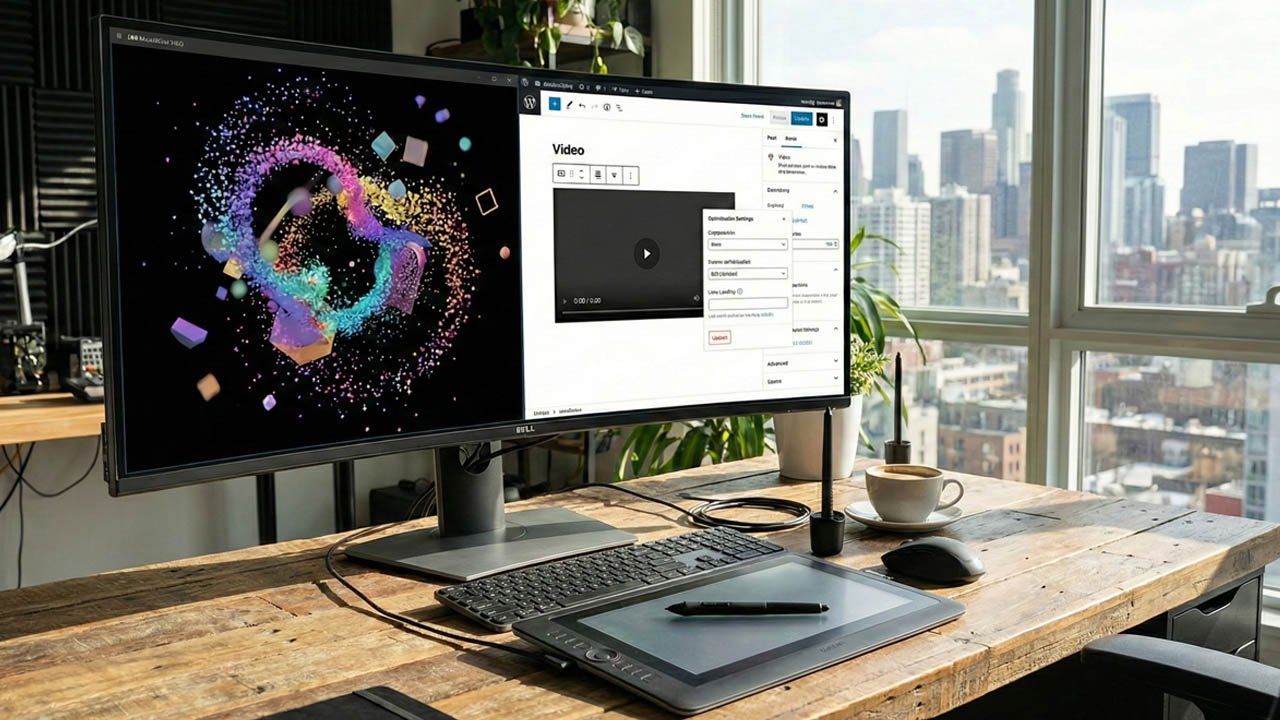
Let’s be honest: the internet has changed. We aren’t just reading websites anymore; we’re experiencing them.
Driven by the explosion of short-form content on platforms like TikTok and Instagram Reels, user expectations have shifted. A static homepage with a few stock photos feels dated. To build a modern brand today, you need motion. We’re talking about vibrant 3D product renders, subtle UI animations, and high-quality video storytelling.
Table of Contents
But as a WordPress site owner, you know the terrifying downside of video: the loading spinner of death.
High-motion assets are heavy. If you handle them wrong, your beautiful, modern website turns into a sluggish dinosaur that frustrates users and gets punished by Google.
The good news? You don’t have to choose between a stunning, animated brand presence and a blazing-fast website. You just need the right strategy. Here is your practical guide to building a video-centric brand on WordPress without sacrificing speed.
The Golden Rule: Never Self-Host Heavy Video
If you take only one thing from this article, let it be this: Stop uploading large MP4 files directly to your WordPress Media Library.
It is incredibly tempting. It’s right there. But WordPress was originally designed to manage text and images, not stream high-definition video.
When you self-host a 50MB video file for your hero section, your web server has to deliver that massive file to every single visitor simultaneously. It crashes bandwidth, slows down the rest of the site’s delivery, and provides a terrible viewing experience (buffering) for users on slower connections.
The Alternative: Specialized Video Hosting
Think of your website as a storefront window, and your video host as the warehouse. You want to display the product in the window, but you don’t want to store the entire inventory there.
For a video-centric brand, you need dedicated hosting services designed to stream media efficiently.
- For Marketing/Hero Videos: Services like Vimeo (Paid tiers), Wistia, or the increasingly popular Bunny Stream are excellent. They create multiple versions of your video at different quality levels and serve the right one based on the user’s internet speed. They also use global CDNs (Content Delivery Networks) to serve the video from a server closest to the visitor.
- The YouTube Caveat: YouTube is free and easy, but it looks unprofessional for brand-centric content due to related videos, ads, and the distinct red player interface. It’s great for a blog post, but less so for your homepage hero background.
Optimizing Animated Content: Formats Matter
Not all motion is created equal. Are you showcasing a 4K video of a person talking, or a slick 3D animation of your product spinning? The format you choose dictates the performance impact.
1. The Rise of Lottie and Rive (For UI Animation)
If you want micro-interactions—like an icon that animates when hovered, or a small illustration that moves as you scroll—do not use a video file or a massive GIF.
Use Lottie or Rive.
These are JSON-based animation formats. They aren’t pixels; they are code that tells the browser how to draw the animation in real-time. They are vector-based (infinite scalability without blur) and often incredibly small in file size compared to an equivalent GIF or MP4.
There are several excellent WordPress plugins that allow you to drop Lottie files right into Gutenberg blocks or Elementor widgets.
2. WebM vs. MP4 (For Video)
If you are using actual video footage, format is crucial. While MP4 (H.264) is the standard compatible format, WebM is generally far more efficient for the web, offering high quality at lower bitrates.
The best practice is to encode your video in both formats. When embedding via HTML5 video tags, you provide both sources; modern browsers will pick the lighter WebM version, while older ones fall back to MP4.

The Secret Weapon: Lazy Loading and “Facades”
Okay, your video is hosted externally, and you’ve chosen the right format. How do you put it on the page without slowing down the initial load?
If you have five videos on a page, and the browser tries to connect to Vimeo five times the second the page opens, your performance scores will tank.
The solution is Lazy Loading with Facades.
A “facade” is a lightweight static image that looks exactly like the video player (usually the video thumbnail with a play button overlay).
When the page loads, the user only downloads this tiny image. The actual heavy video player (and its associated JavaScript) doesn’t load until the user actually clicks the play button or scrolls down to where the video is located.
Many modern page builders and specialized video blocks have this “Lazy Load” feature built-in. Always turn it on. It is the single most effective tactic for keeping a video-heavy page feeling instant.

Showcasing Video: Beyond the Single Embed
A video-centric brand isn’t just about one hero video at the top of the page. It’s about integrating motion throughout the user journey.
If you are creating a portfolio of 3D work, or a gallery of customer video testimonials, standard WordPress embeds get messy fast. A long page with 20 YouTube embeds stacked on top of each other is a user experience nightmare.
This is where specialized tools come in. You need plugins specifically designed to handle video galleries robustly. Look for tools that allow you to:
- Create grid layouts that pull video thumbnails automatically.
- Open videos in a “lightbox” (popup overlay) so users don’t leave the current page.
- Filter content based on categories (e.g., “3D Renders,” “Client Work,” “Animations”).
Using a dedicated gallery plugin (like those we develop here at WPFrank) ensures that the gallery structure remains lightweight, loading the actual video assets only when requested by the user.
Conclusion: Motion with Purpose
Moving your brand toward video and animation is a smart move for engagement in 2024 and beyond. But motion for motion’s sake will just slow you down.
By offloading heavy lifting to dedicated hosts, utilizing modern formats like Lottie, and aggressively lazy-loading your assets, you can build a WordPress site that feels alive and dynamic—without keeping your visitors waiting.