
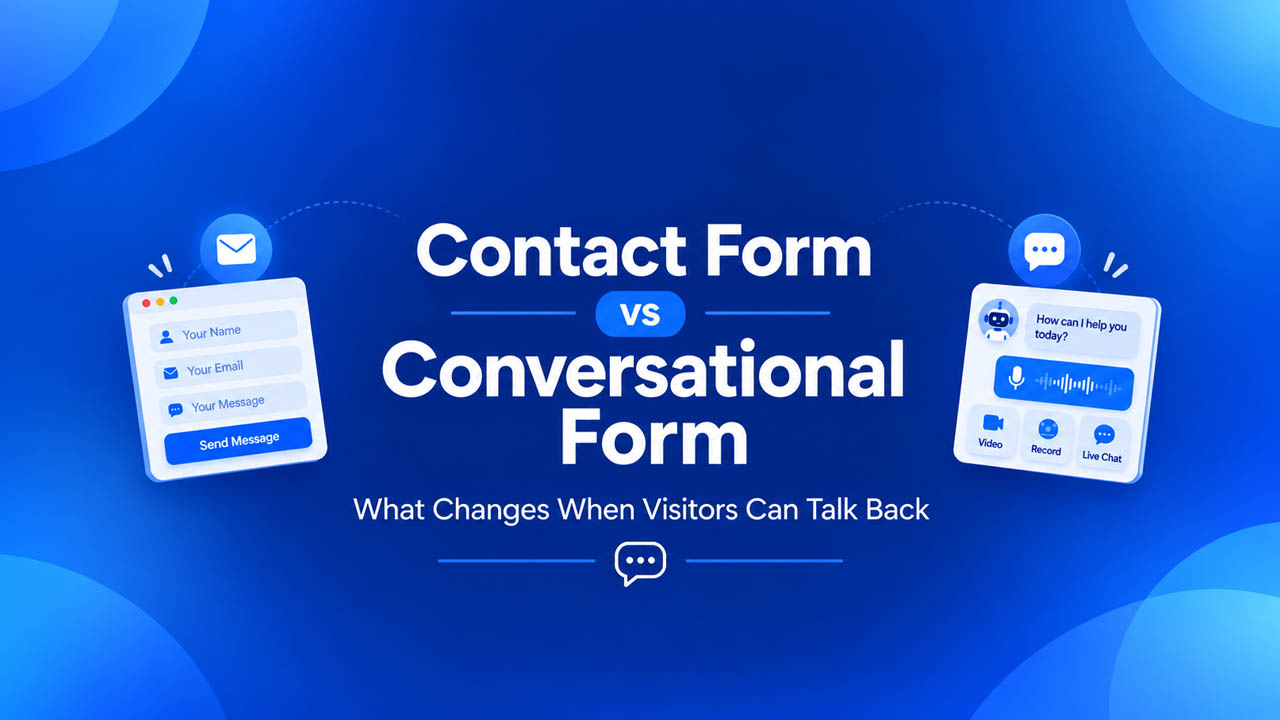
A contact form works the moment someone submits it. The message arrives, the visitor sees a thank-you screen, and the exchange is over. Everything that comes after happens somewhere else: an email thread, a reply-all, a request for a screenshot, a request for a better screenshot.
That gap is the thing a conversational form is built to close. It asks one question at a time, accepts answers that are not typed, and keeps the reply in the same thread as the question. This guide compares the two on the points that decide the outcome: how the visitor answers, where the response lands, what the follow-up looks like, and what each one costs your server.
The Short Version
| Question | Contact form | Conversational form |
| How does the visitor answer? | Typed text and standard fields | Text, voice, video, files, and (with Pro) screen recording |
| How are questions shown? | All fields on one page | One question per screen, with logic that skips irrelevant ones |
| Where does the reply happen? | Email, outside the form | The same thread, back to the visitor |
| What does your team receive? | A text block | Text plus recordings and files, in order |
| Server cost | Light | Heavier: recordings are media files |
| Best for | Simple, known requests | Requests that need context to answer |
Neither is better in general. The rest of this article is about knowing which one a given page needs.
What a Contact Form Does Well
A contact form is a solved problem, and it is worth saying so. If someone wants to ask whether you are open on Sunday, a name, an email, and a message box is the right amount of interface.
Strengths worth keeping in mind:
- Fast to complete. Three fields take seconds.
- Predictable. Everyone knows how to use one.
- Light on the server. The submission is a few kilobytes of text.
- Easy to route. The email goes to an inbox, and any helpdesk can ingest it.
The failure is not in the form. It is in what the form cannot carry. A visitor who writes “the checkout is not working” has told you almost nothing, and the form gave them no way to tell you more.
Where Contact Forms Run Out of Road
Three situations come up repeatedly.
1. The problem is visual. Bug reports, layout complaints, and “it looks wrong on my phone” are all things a person can show in seconds and struggle to describe in a paragraph. The usual fix is a reply asking for a screenshot, then another asking which browser.
2. The lead needs qualifying. A prospect leaves a name and a line about a new website. Your first call then becomes an intake call about budget, timeline, and scope.
3. The reply has to go somewhere. The submission lives in WordPress. The reply moves to email. A screenshot comes back as an attachment to a third message. Nothing connects the three, and the next person to pick it up starts from the beginning.
None of these is a design flaw. They are limits of a one-way text submission.
What a Conversational Form Changes
A conversational form changes four things.
1. The visitor chooses how to answer
The key field is an open-ended question that accepts video, voice, or text. The visitor picks whichever fits. A two-line answer works as text. An explanation of a problem usually works better spoken.
Recording happens in the browser. The visitor does not install anything or create an account. One technical point: browsers only allow camera and microphone access on pages served over HTTPS, so a site still on plain HTTP will not record regardless of the plugin.
2. The form asks one question at a time
Instead of a page of fields, the visitor sees a single question, answers it, and moves on. Conditional logic uses earlier answers to show or skip later steps, so a budget question can lead somewhere different for a small project than for a large one. This also lets you lead each step with your own recorded video or image, so the question is asked by a person rather than a label.
3. The reply happens in the thread
This is the part that separates it from a form with a video field. Your team reads the response in the WordPress dashboard and replies there, by text, voice, or video. The visitor returns through a secure link sent by email and continues in the same conversation. The context stays attached to the exchange.
4. The inbox holds more than text
A response can contain a recording, a screen capture, uploaded files, ratings, and structured answers, all in the order the visitor gave them. Your team reviews one record, not a thread reconstructed from three emails.
How They Compare in Practice
The differences show up when you look at a specific request. Take a support request about a broken checkout.
| Step | Contact form | Conversational form |
| Visitor submits | “Checkout is broken” | A short voice explanation and a screen recording of the error |
| Team opens it | A one-line message | The recording, the explanation, and the page details |
| First reply | “Which browser? Can you send a screenshot?” | A reply with the fix, or a recorded walkthrough |
| Follow-up | Email thread | Same thread |
Screen recording is a Pro feature in HelpGent. The voice and video answers, one-question-at-a-time flow, logic, and reply thread are in the free plugin.
Setting One Up in WordPress
This walkthrough uses HelpGent, a plugin that does this. The steps are similar for any tool in the category.
- Install and activate. Search for HelpGent in Plugins → Add New, or upload the ZIP.
- Start from a template. The library has starting points for support intake, lead qualification, testimonials, and feedback. Importing one is faster than a blank builder.
- Edit the questions. Keep the first question easy. Add an open-ended question where you want an explanation, and leave fixed fields (email, a dropdown) as they are.
- Add logic if it helps. For a lead form, route large budgets to extra questions and small ones to a shorter path.
- Publish. Use the shortcode on a page, share the standalone link, or open it from a floating bubble.
- Test it as a visitor. Open the page in a private window, record a short answer, then reply from the dashboard and confirm the thread continues.
Test on a real phone as well. Camera and microphone permission prompts behave differently across browsers.
What It Costs Your Site
Recordings are media, and media takes space. A text submission is a few kilobytes. A recorded answer is a file in your uploads folder, and these accumulate.
Check these before you launch:
- Hosting disk space. Estimate how many recordings a month you expect, and leave room.
- Upload limits. PHP upload and post-size limits on your host can cap recordings. HelpGent supports chunked uploads for large files, but the limits still matter.
- Storage location. By default, conversations and recordings stay on your own hosting. If media grows, the Pro version can transfer it to Google Drive or Bunny Storage.
- What leaves your server. Core responses and recordings stay local. Optional services, including the AI features and the live-chat relay, use external infrastructure when switched on. Read what each one sends before enabling it.
The practical point is the same one that applies to any plugin storing user uploads: decide where files live before there are a thousand of them.
When to Keep the Contact Form
A conversational form is not a replacement for every form. Keep the contact form when:
- The request is short and complete: a booking enquiry, a newsletter signup, a callback request.
- Visitors are unlikely to record, such as on pages where people are in a hurry or in a public place.
- You need a ticket system with assignments and response-time tracking. A conversational form improves the first step of support. It is not a helpdesk, so many teams use it as the intake in front of one.
- Your host has tight disk or upload limits and no room for media.
A common arrangement is both: a plain form on the general contact page, and a conversational form where context changes the answer, such as support, quotes, onboarding, and applications.
Which One Does Each Page Need?
| Page | Better fit | Reason |
| General “Contact us” | Contact form | Short, varied requests |
| Support or bug report | Conversational form | Visitors can show the problem |
| Quote or project enquiry | Conversational form | Budget and scope can be asked step by step |
| WooCommerce product page | Conversational form | Fit and compatibility questions are easier spoken |
| Newsletter or callback | Contact form | Nothing to explain |
| Testimonial request | Conversational form | Guided prompts produce usable answers |
| Job or course application | Conversational form | A short introduction says more than a paragraph |
Common Mistakes
- Making every answer a recording. Offer text as an option. Some visitors will not record, and they should still be able to submit.
- Skipping the reply habit. The format invites a conversation. If nobody replies within a reasonable time, it feels worse than a form that never promised one.
- Asking too many open-ended questions. One or two per form is enough. The rest should be quick fixed answers.
- Forgetting the confirmation message. Tell visitors what happens next and how they will get the reply.
- Not checking mobile. Most visitors will answer on a phone.
Final Thoughts
A contact form hands you a message. A conversational form gives you the message plus the context, and a place to answer. If your pages mostly get short, complete requests, a plain form is fine. If your team keeps replying with “can you send a screenshot” or “can you tell us more”, the form is the weak point, and changing it removes a round of back-and-forth.
Start with one page where context matters most, usually support or quotes. Measure whether the replies get shorter and the first answer gets better, and decide from there whether to extend it.
Leave a Reply